Screenshot guides
Capturing a screen is the easy part. These guides cover everything after: sizing, annotation, redaction, and the finishing steps that make a screenshot publishable.
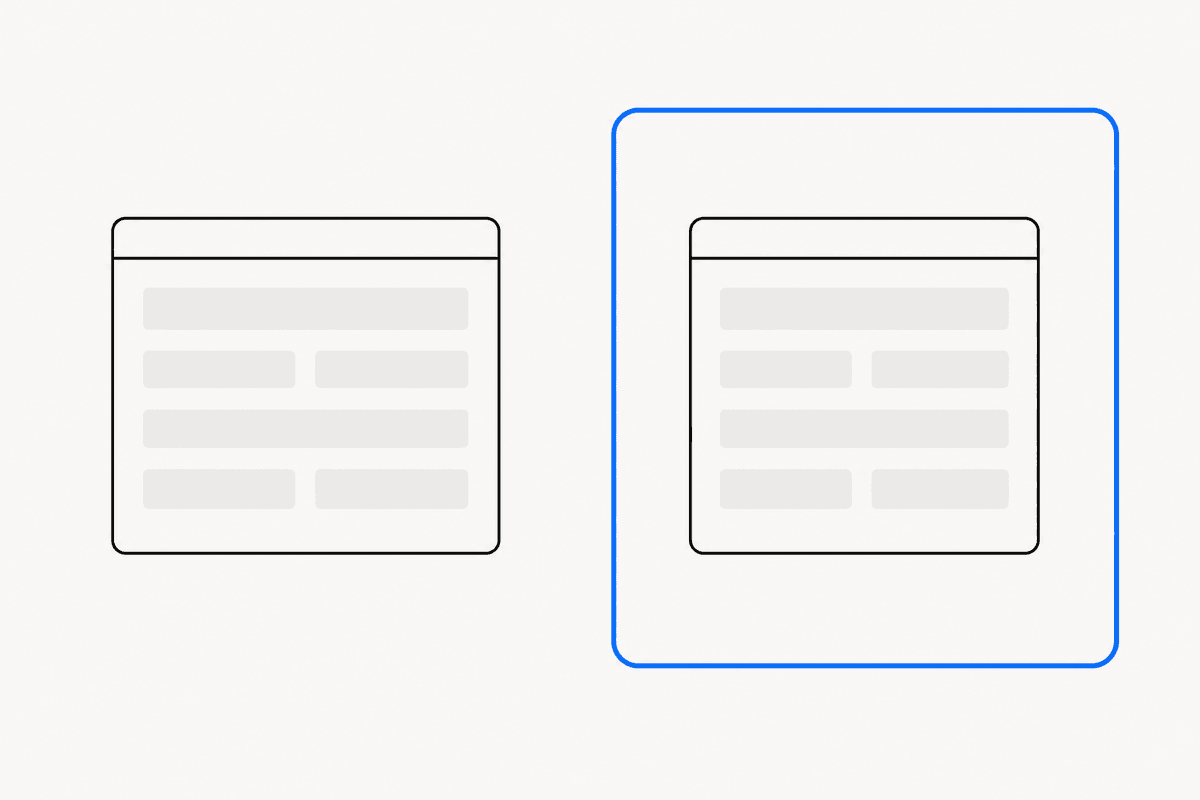 How to make screenshots look professionalPadding, backgrounds, framing, and sizing — the exact finishing steps that turn a raw screen capture into a visual you can publish anywhere.
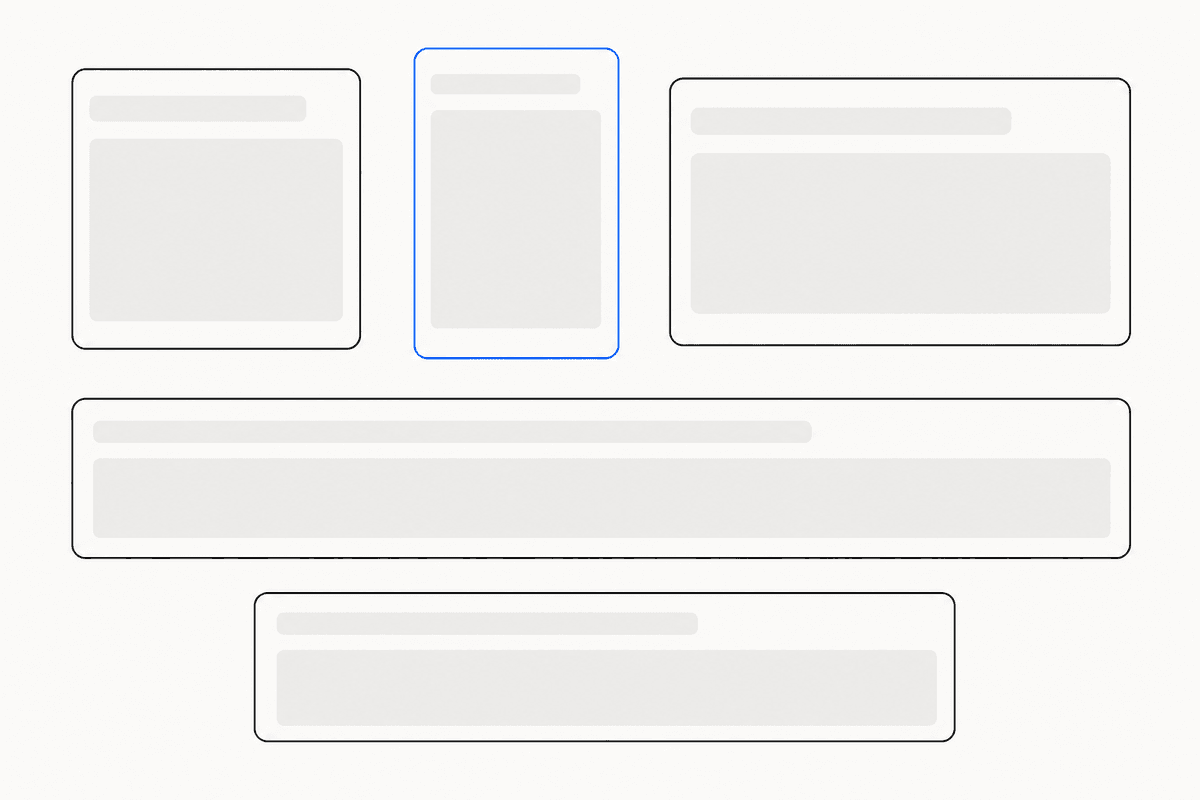 Screenshot sizes for social mediaThe exact pixel sizes that keep screenshots sharp on X, LinkedIn, Open Graph previews, and the Chrome Web Store — plus why 2× export matters.
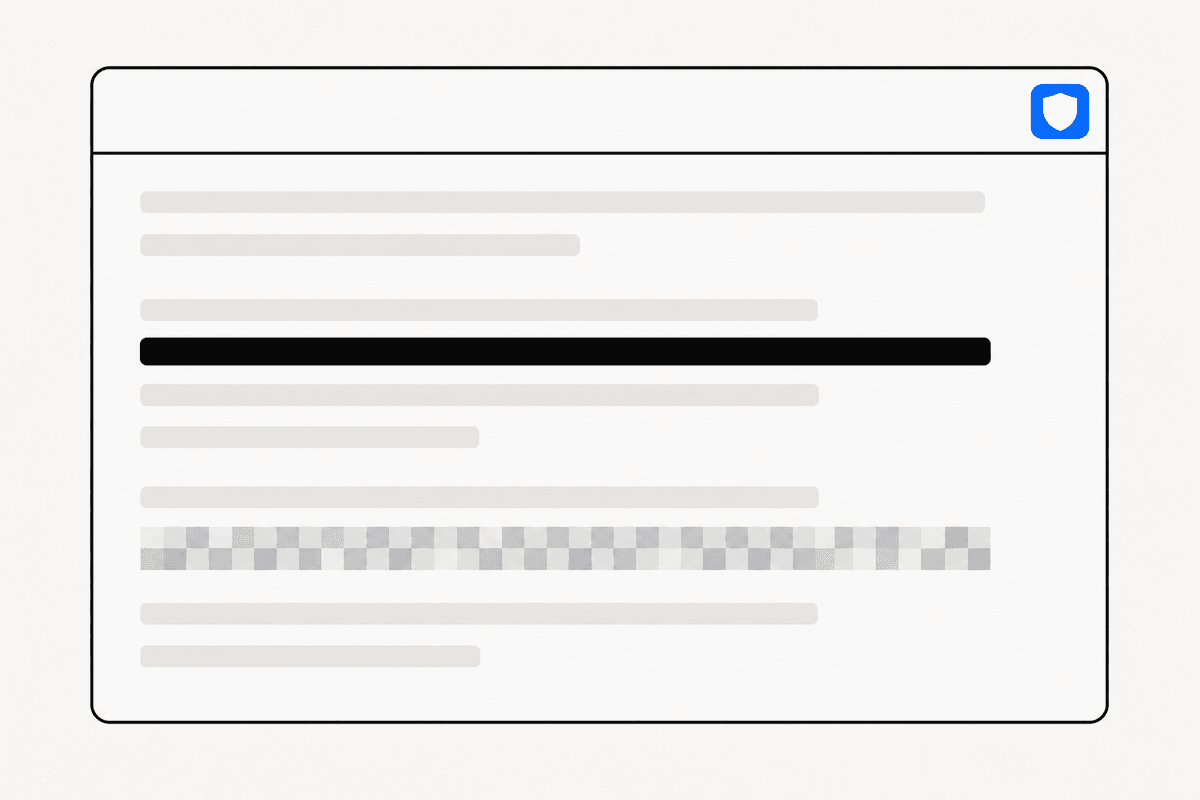 How to redact sensitive information in screenshotsEmails, API keys, and customer data leak through screenshots every day. When to use a solid bar, when to pixelate, and why blur can be reversed.
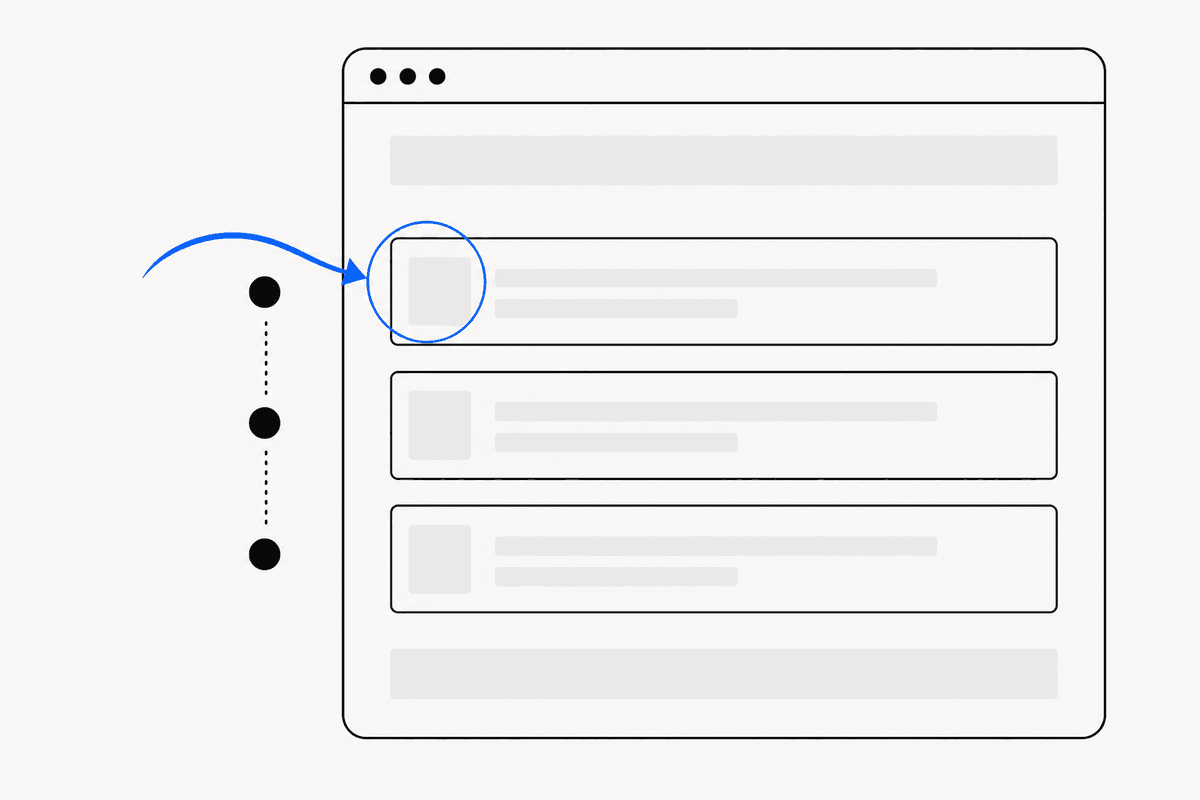 How to annotate screenshotsArrows that point cleanly, highlights that focus attention, and numbered steps that guide a reader — annotation patterns that clarify instead of clutter.
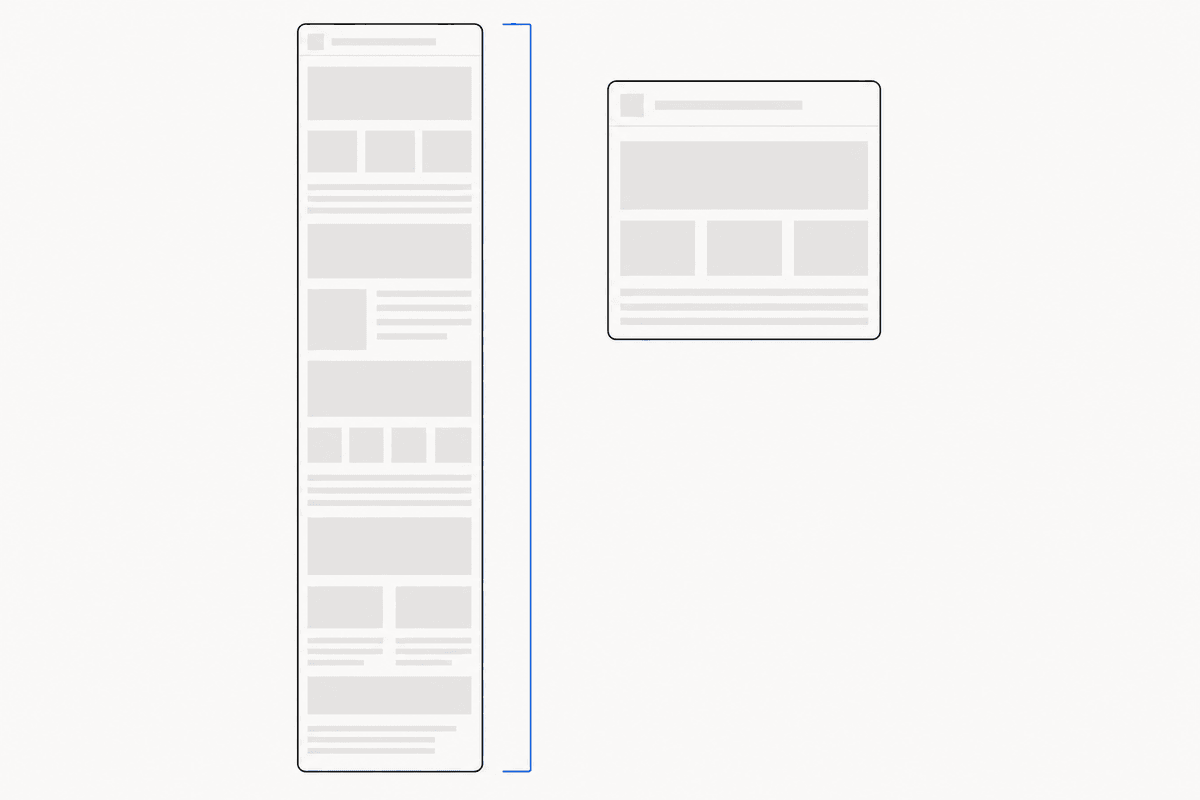 How to take a full-page screenshot in ChromeThree ways to capture an entire scrolling page in Chrome — built-in DevTools, keyboard tricks, and extensions — and how to keep the result sharp.
 The best Chrome screenshot extensions, comparedGoFullPage, Awesome Screenshot, Lightshot, and ReadyStill compared by capture quality, editing depth, privacy, and price — with honest recommendations.